Create a delivery fee
Charge a fixed delivery fee for a location so customers know exactly what they'll pay to receive their order, anywhere you deliver.
A delivery fee is the amount you charge to get an order to a customer. Setting fixed fees per location keeps checkout simple and predictable: a buyer in Abuja sees the Abuja fee, a buyer in Lagos sees the Lagos fee, and you're never caught short on delivery costs.
In Crate, a delivery fee is a zone with a flat rate. You name the location, pick the states it covers, and set the price.
Adding a delivery fee
The fastest setup is one zone per major destination. Use a clear, recognisable name — buyers see it at checkout — and a flat rate that comfortably covers your courier cost. If a location is far or heavy to reach, set its fee higher; nearby areas can be cheaper or even free.
Example descriptions to inspire your zone names: Lagos Same-day, South-West (2–4 days), Pickup at store. Keep them short and obvious.
Tuning fees per state
Need different prices inside one zone? Crate lets you override the flat rate per state on the same form, under Per-state rates. Set a base flat rate, then bump specific states up or down — handy when one state in a region costs noticeably more to reach.
To change a fee later, open it from the Shipping page and edit it — see Delete or edit a shipping option.
-
1
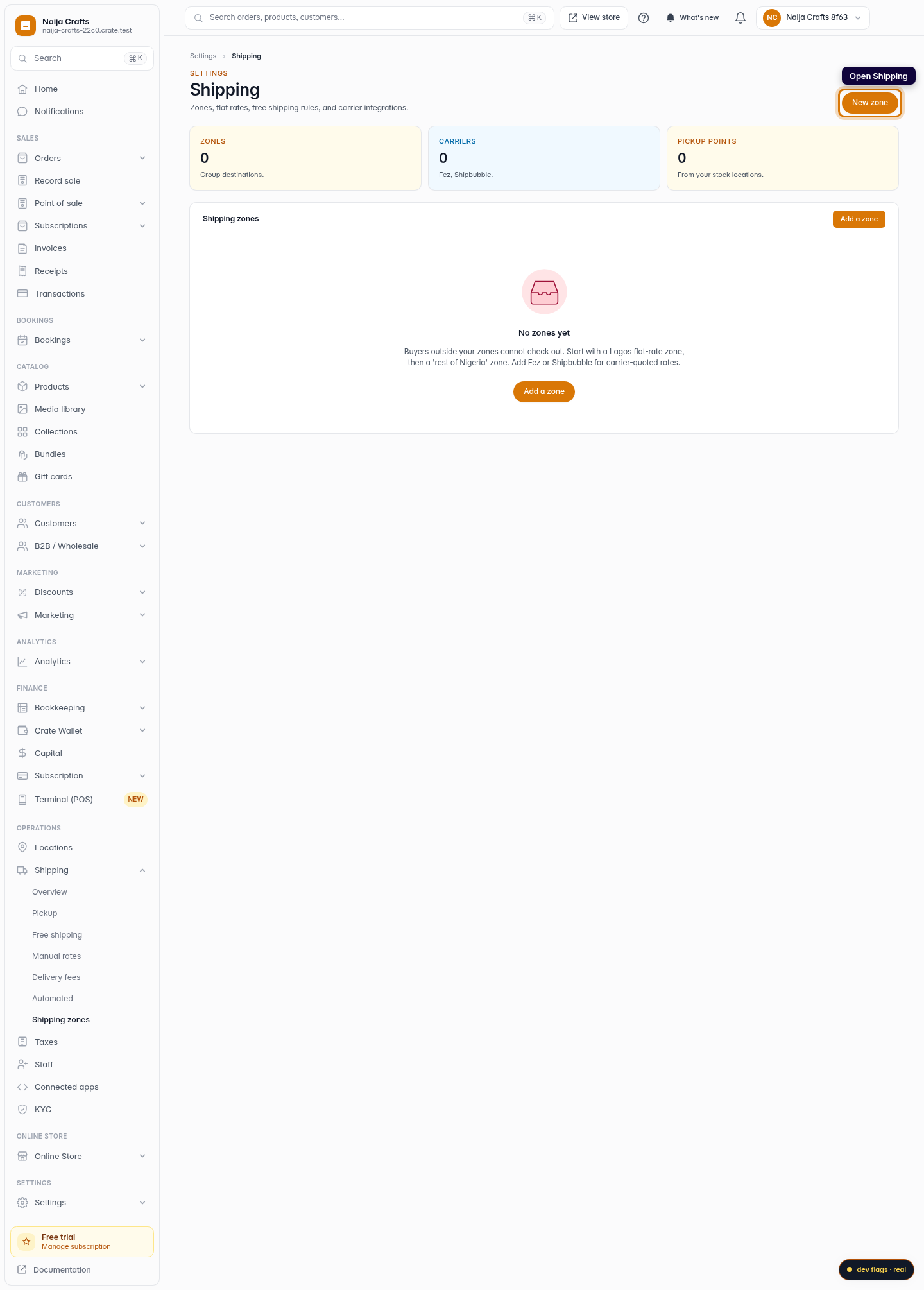
Open Shipping
From your Crate dashboard, open Shipping. Every delivery fee you set up appears here as a zone.
Web 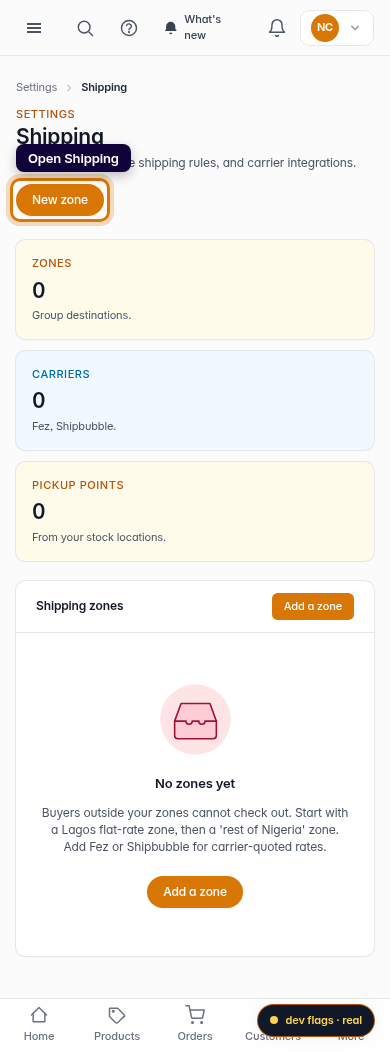
Mobile -
2
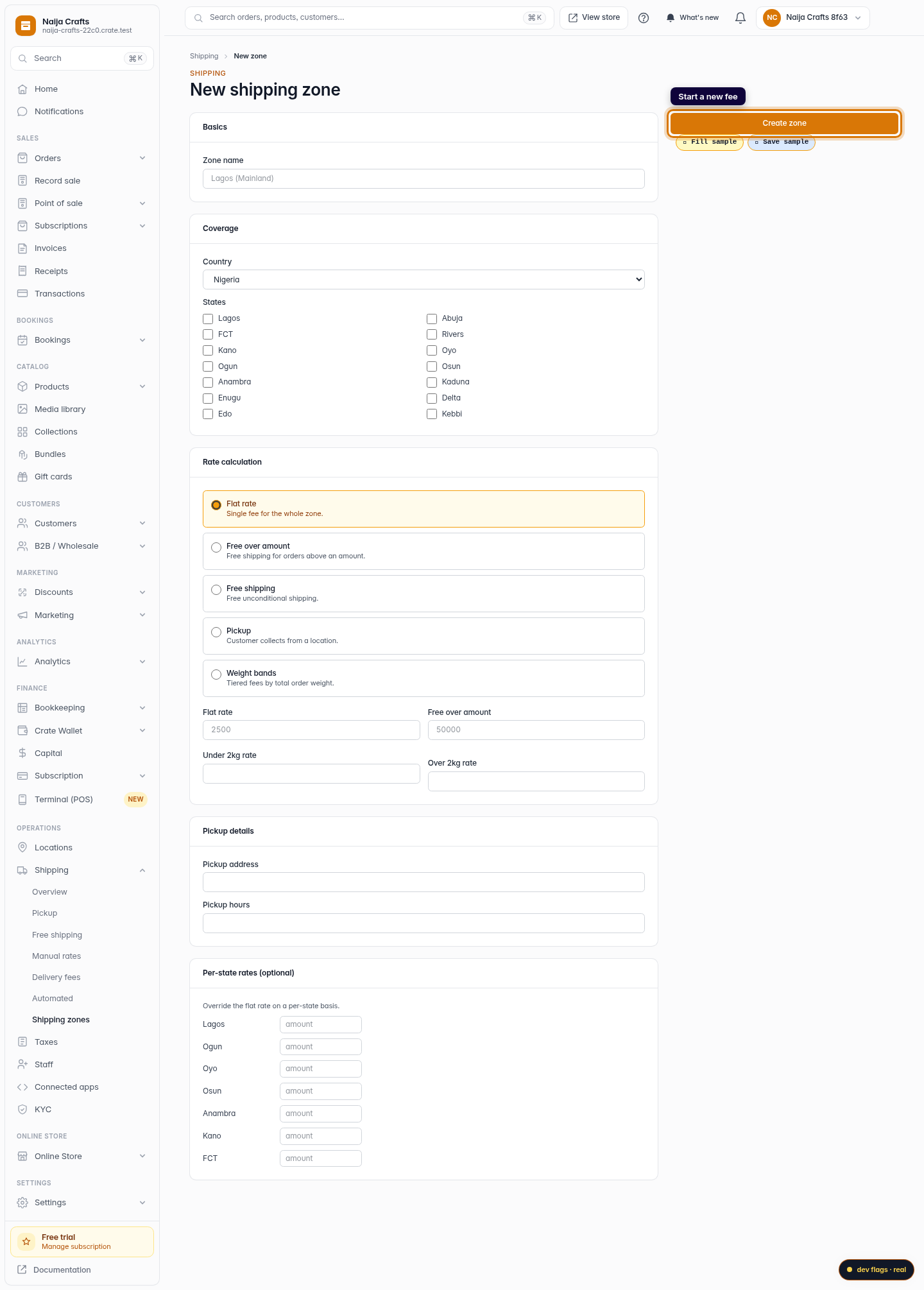
Start a new fee
Click New zone to create a delivery fee for a location.
Web -
3
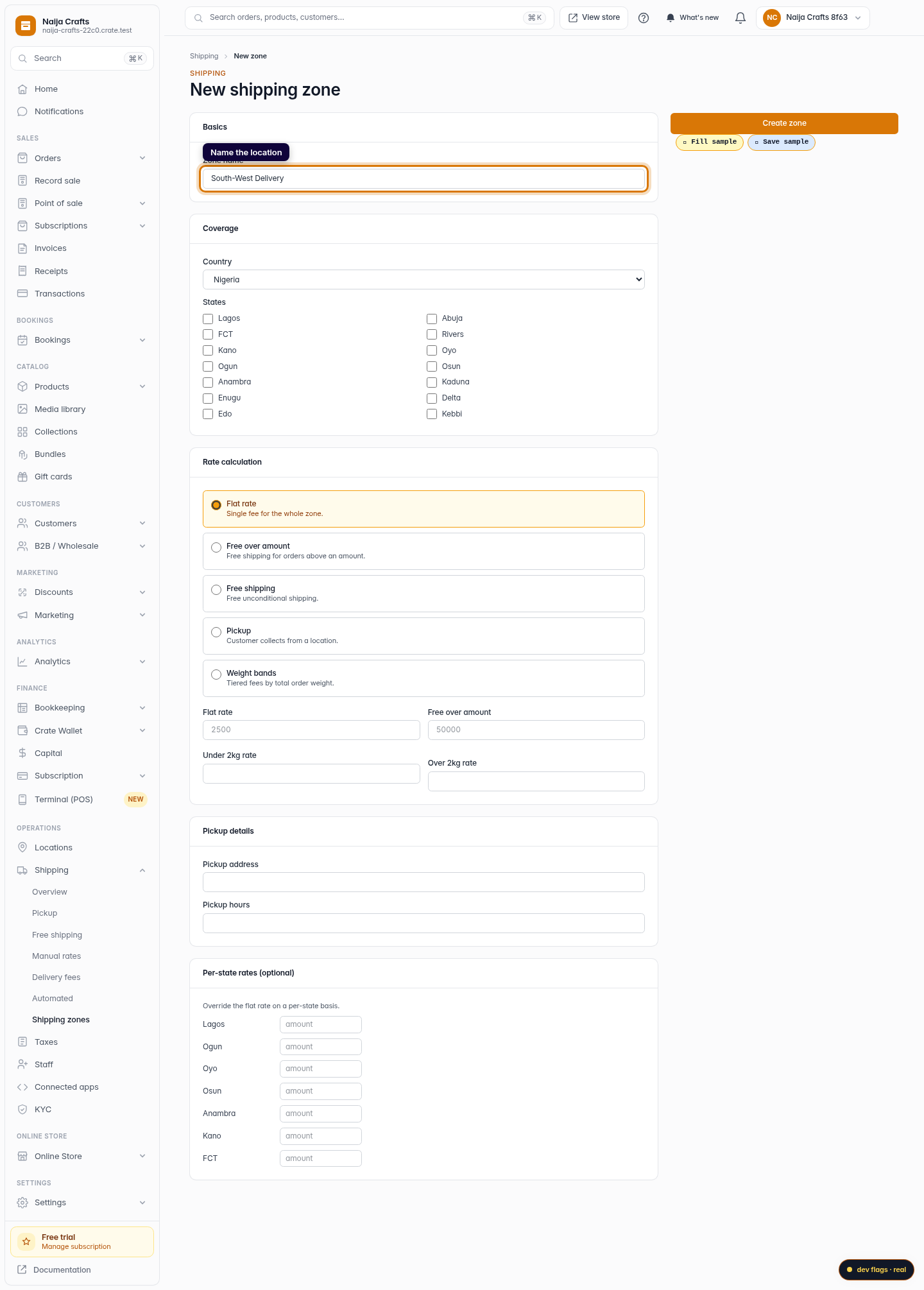
Name the location
Name it after the place it covers — for example South-West Delivery. This is what buyers see beside the fee at checkout.
Web 
Mobile -
4
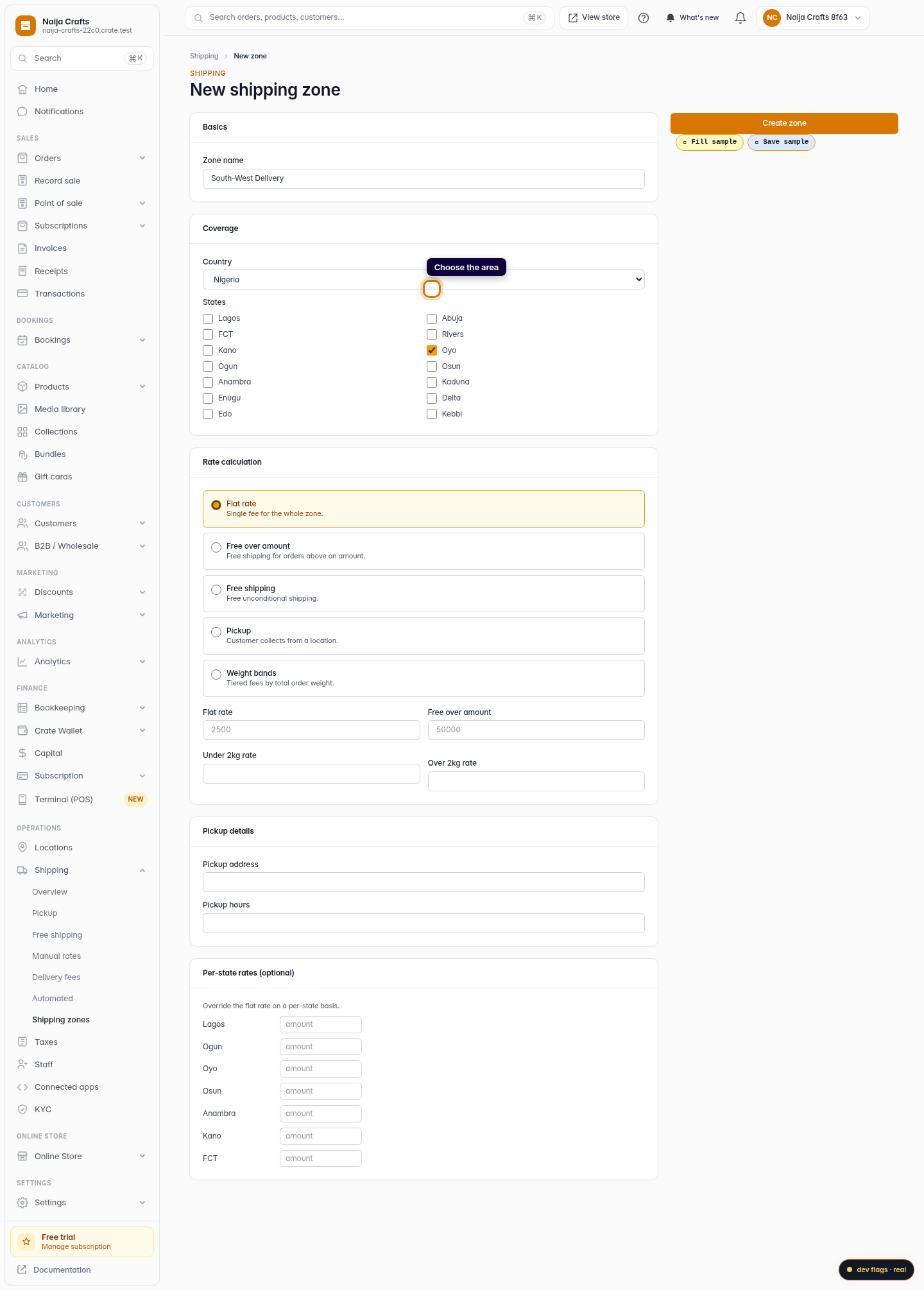
Choose the area
Select the states this fee applies to. You can group several states under one fee, or create a separate fee per state.
Web -
5
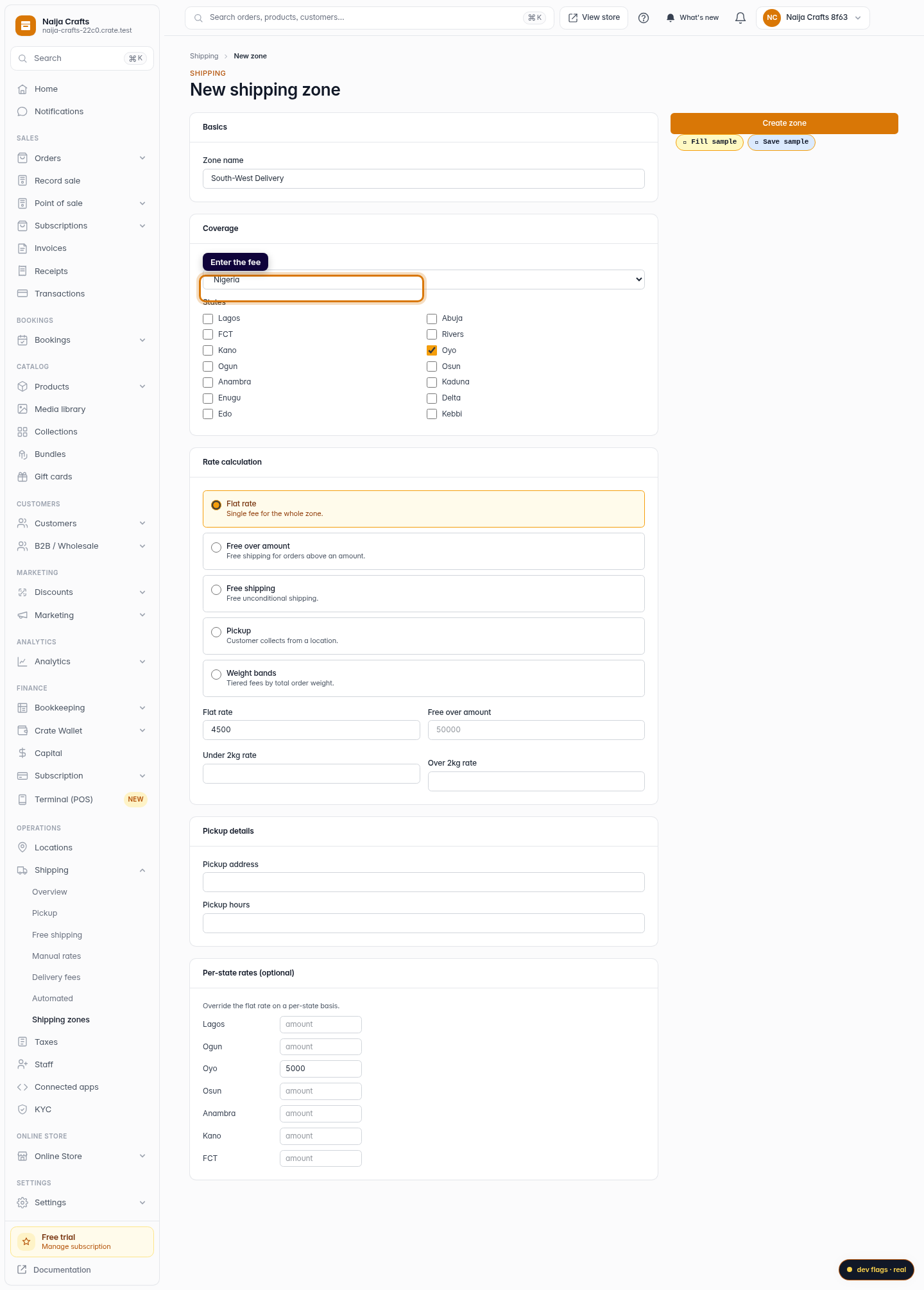
Enter the fee
With Flat rate selected, type the delivery fee for this location — for example 4500.
Web -
6
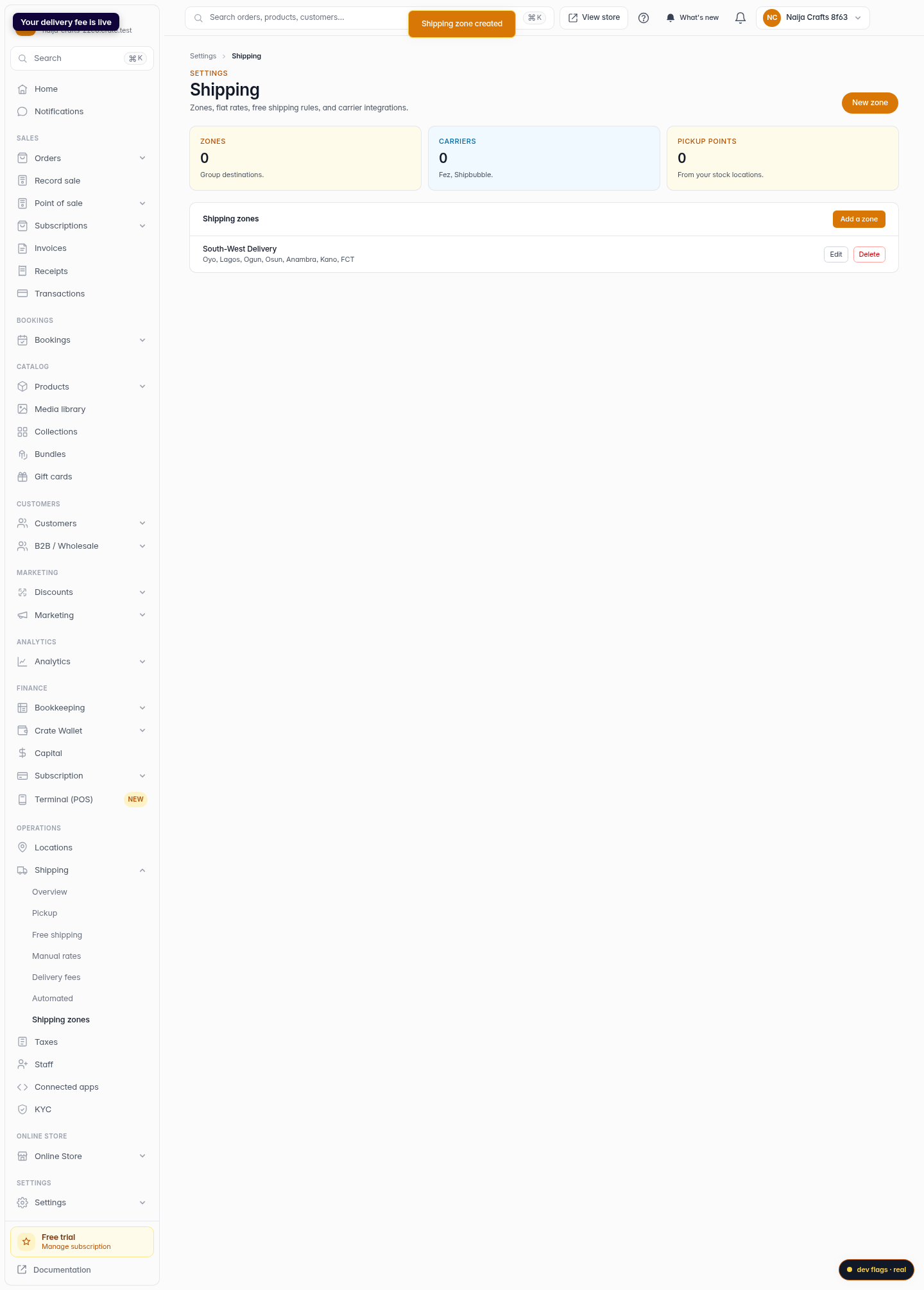
Save the fee
Click Create zone. The delivery fee is saved and offered to every matching customer at checkout.
Web 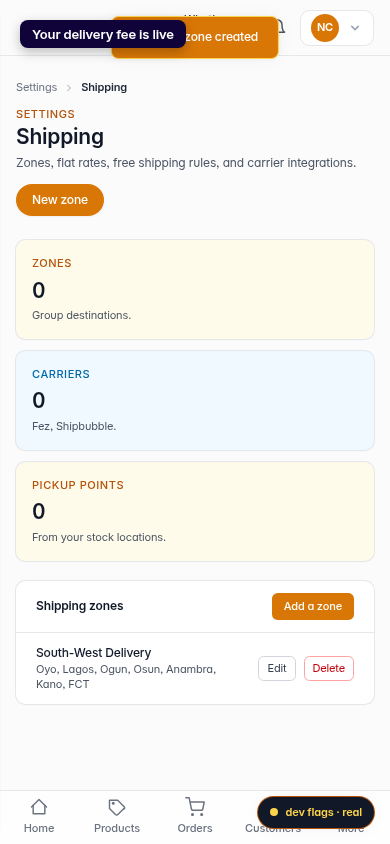
Mobile