Set up automated shipping
Connect a courier so buyers see live delivery rates at checkout and shipments are tracked for you — no manual price-setting required.
Automated shipping takes the guesswork out of delivery. Instead of hand-setting a fee for every area, you connect a courier and Crate fetches a live rate at checkout based on the buyer's address and the order's weight. Once an order ships, the same connection lets you and your customer track it.
Choosing a courier
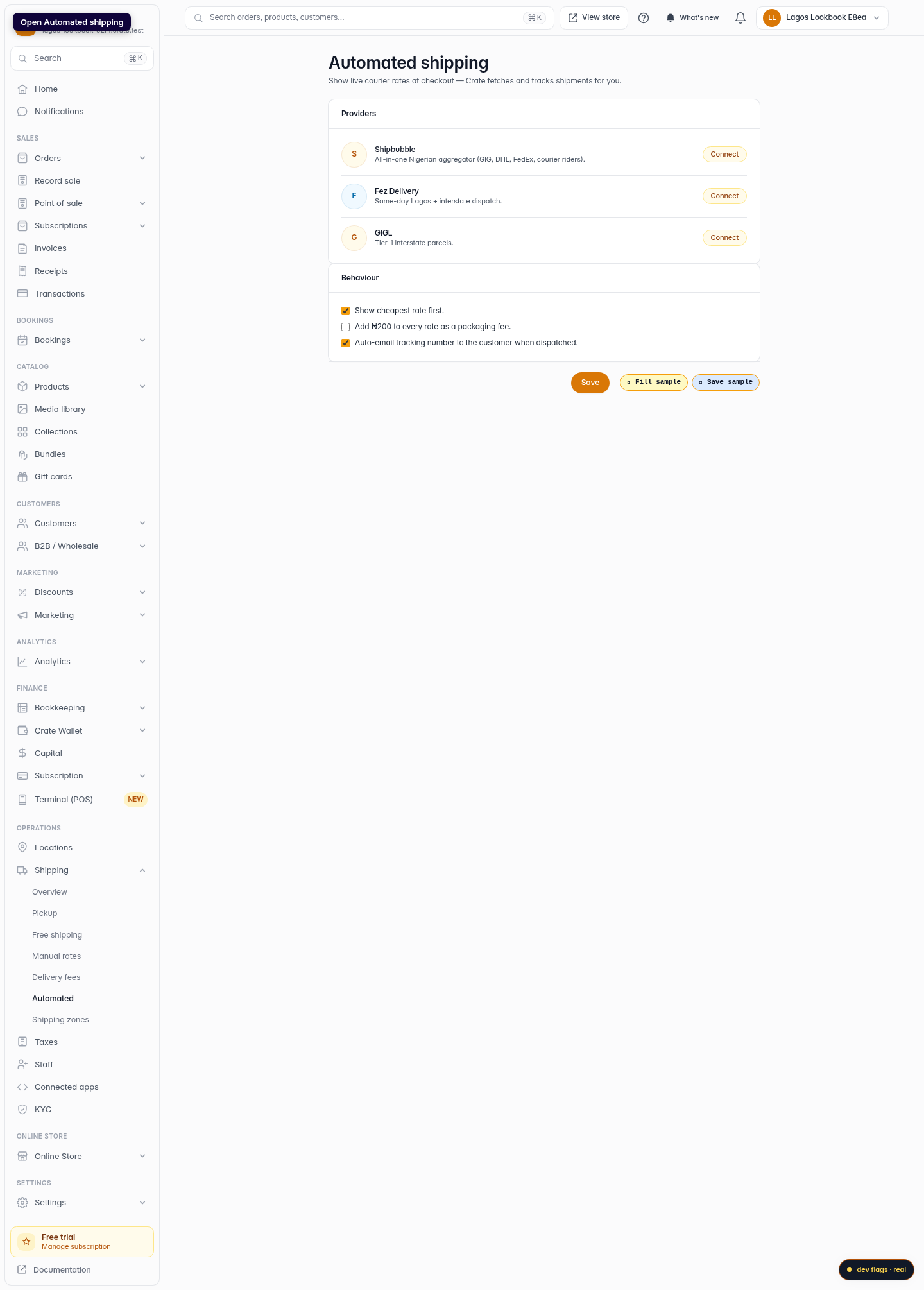
Open Automated shipping and you'll see the couriers Crate supports — Shipbubble, Fez Delivery, and GIGL. Shipbubble is the broadest: one connection gives your buyers quotes from GIG, DHL, UPS, Speedaf and courier riders. Fez is great for same-day Lagos and interstate dispatch.
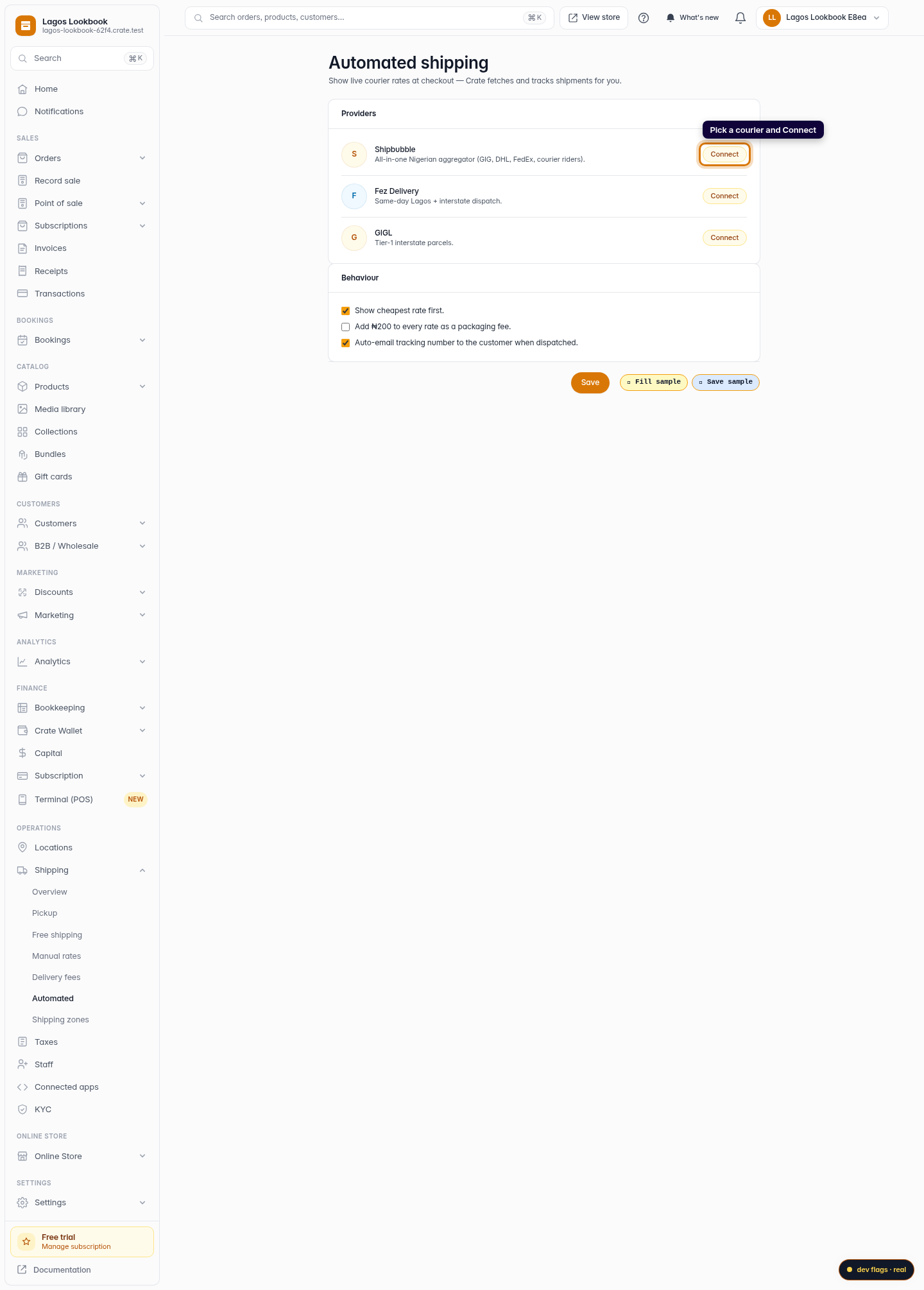
Pick the one that matches where you ship most and click Connect.
Connecting with an API key
Crate connects to a courier using an API key you generate in the courier's own dashboard. The setup wizard walks you through three short steps: get the key, paste it into Crate, and confirm. Your key is stored securely — Crate never displays it again after you save.
Tip: Use your courier's live key (Shipbubble keys start with sb_live_), not a test key, so real quotes appear at checkout.After you connect
With a courier connected, live rates appear automatically at checkout — there's nothing else to switch on. To follow an order on its way, see Track a shipment.
-
1
Open Automated shipping
Go to Shipping → Automated shipping in your Crate dashboard. This is where you connect couriers that quote and track deliveries automatically.
Web 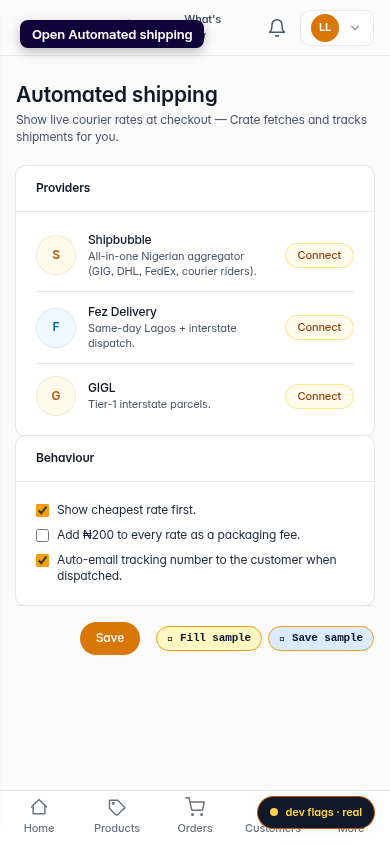
Mobile -
2
Pick a courier to connect
Choose a provider — for example Shipbubble, which aggregates GIG, DHL, UPS and local riders — and click Connect.
Web -
3
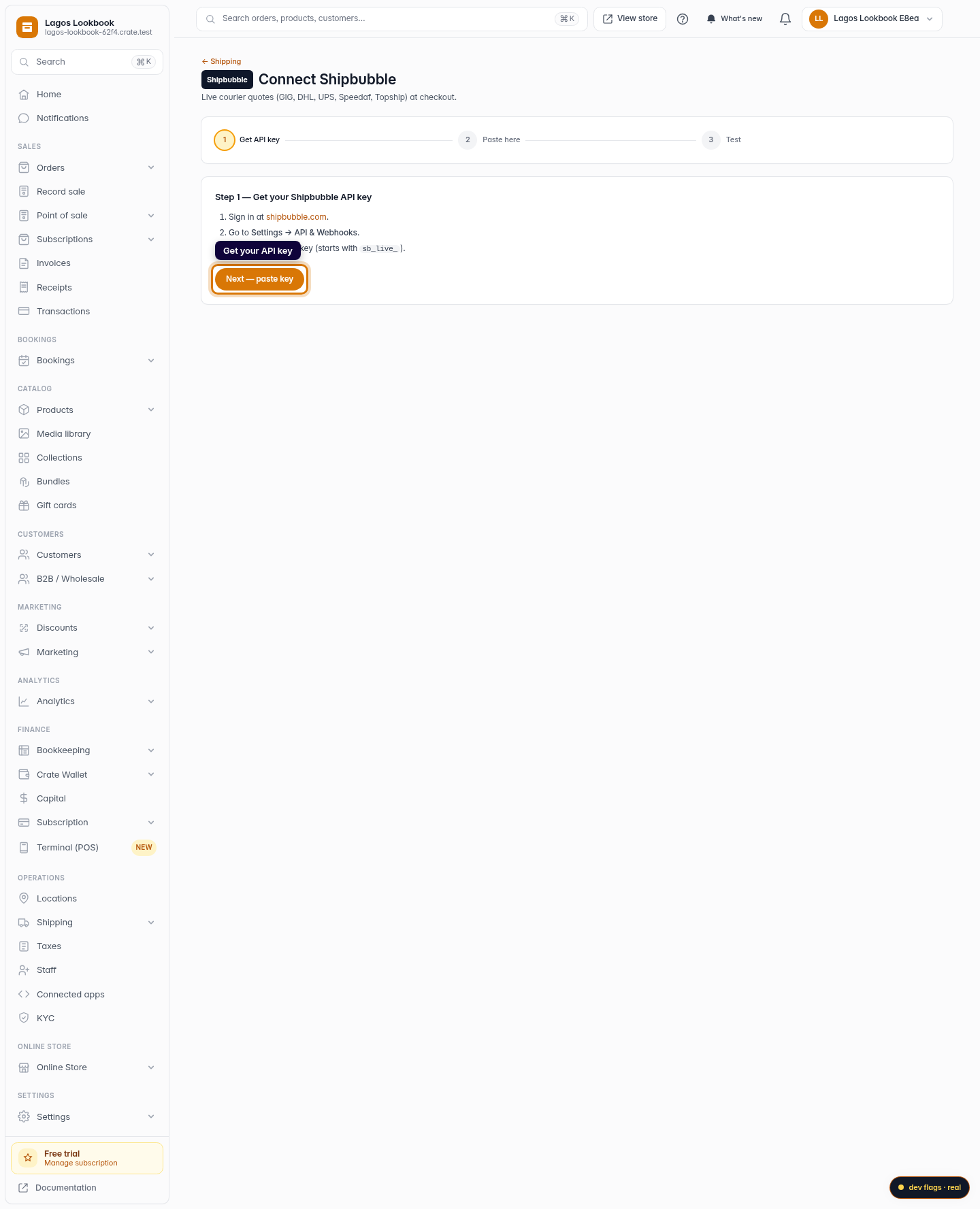
Get your API key
Crate walks you through it. Sign in to the courier, copy your API key, and click Next.
Web 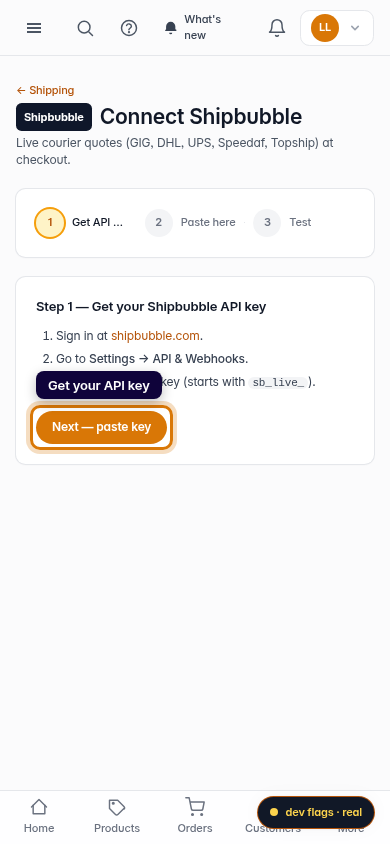
Mobile -
4
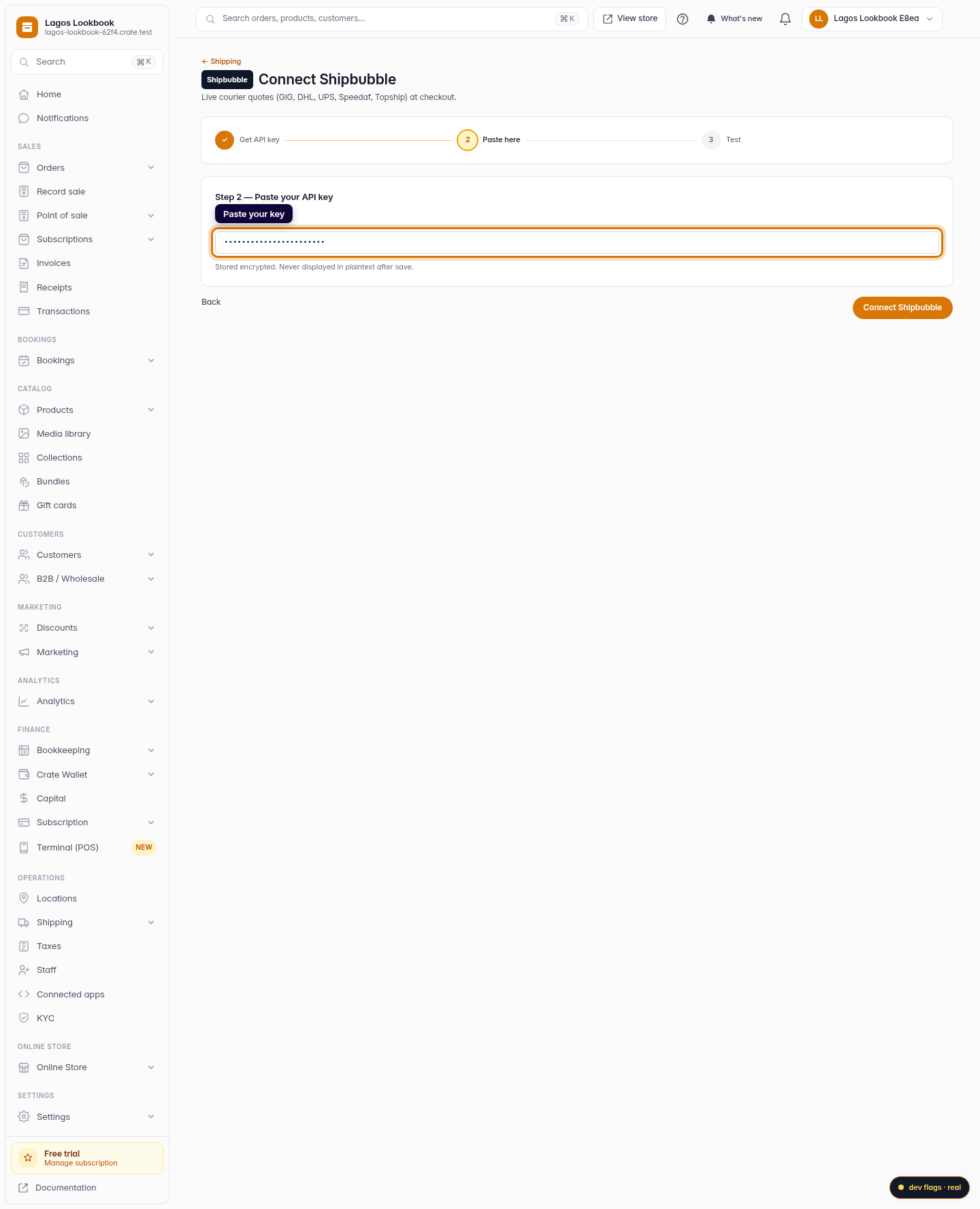
Paste your key
Paste the API key into Crate and click Connect Shipbubble. Your key is stored securely and never shown again in plain text.
Web -
5
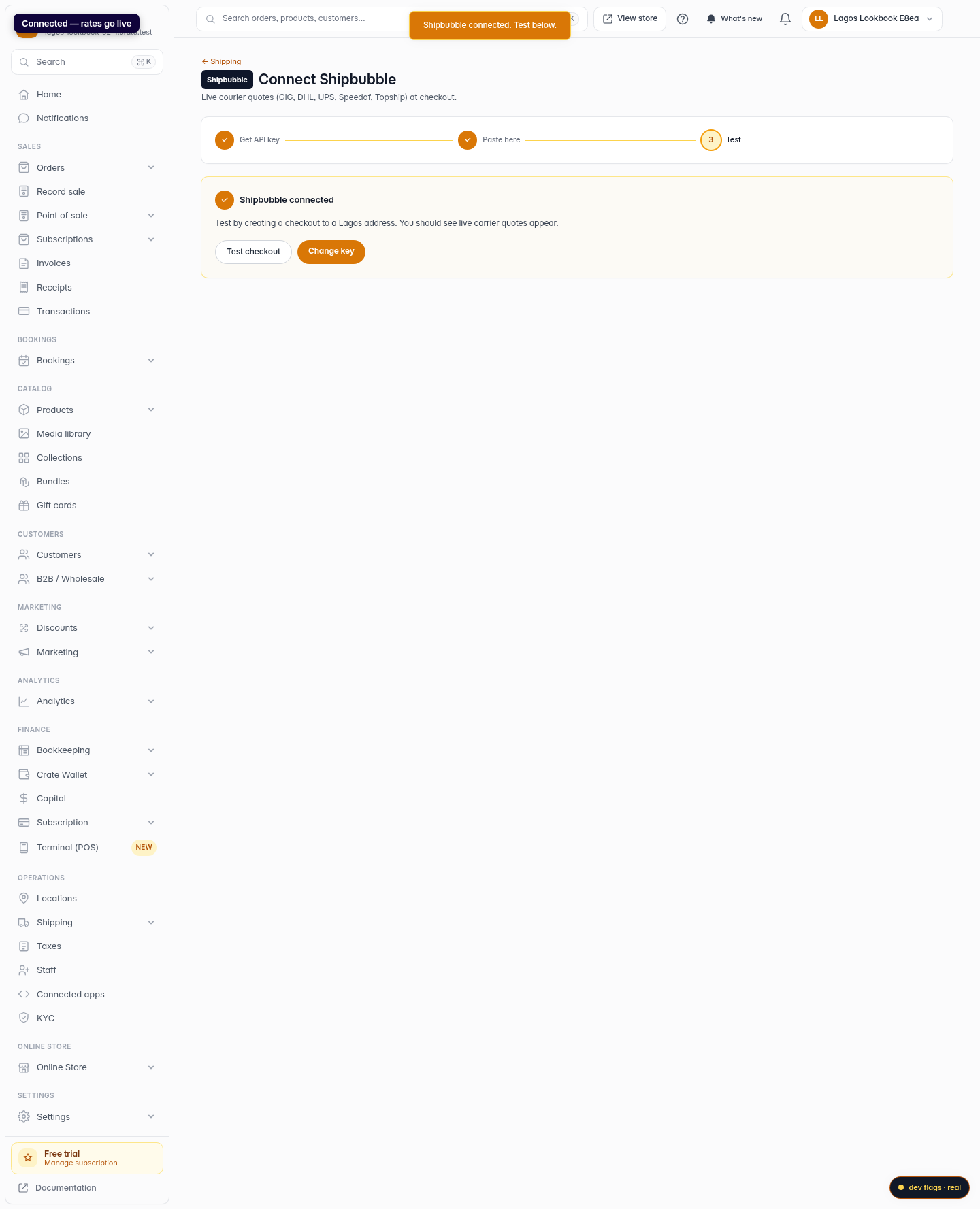
Connected — rates go live
Crate confirms the connection. From now on, buyers checking out see live courier rates, and you can track each shipment.
Web 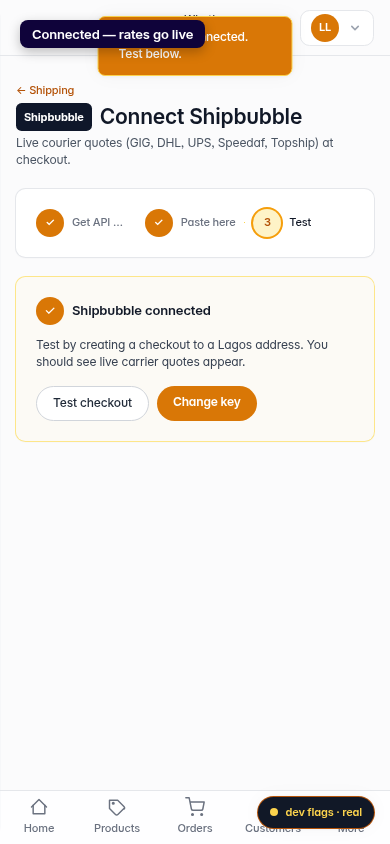
Mobile