Set up free shipping
Reward bigger carts with free delivery. Set a spend threshold, choose where it applies, and optionally nudge shoppers with a "spend a little more" banner at checkout.
Free shipping is one of the most reliable ways to lift average order value — shoppers will happily add one more item to clear the bar. Crate lets you set a spend threshold so delivery is only free when it makes sense for your margins.
How the threshold works
You pick a single number — the threshold. Once a customer's cart reaches it, their delivery fee drops to zero at checkout and they see a Free shipping unlocked message. Below the threshold, your normal rates apply as usual.
Tip: Set your threshold a little above your average order value. If most carts land around ₦15,000, a ₦20,000 bar nudges shoppers to add one more thing — without giving away delivery on orders you'd ship anyway.
Scope it to where it pays
Free shipping doesn't have to be all-or-nothing. With Applies to you can limit the offer to a region (say, your home city where delivery is cheapest) or to specific shipping zones. And the optional cart banner — spend ₦X more for free shipping — turns the threshold into a live incentive while shoppers browse.
-
1
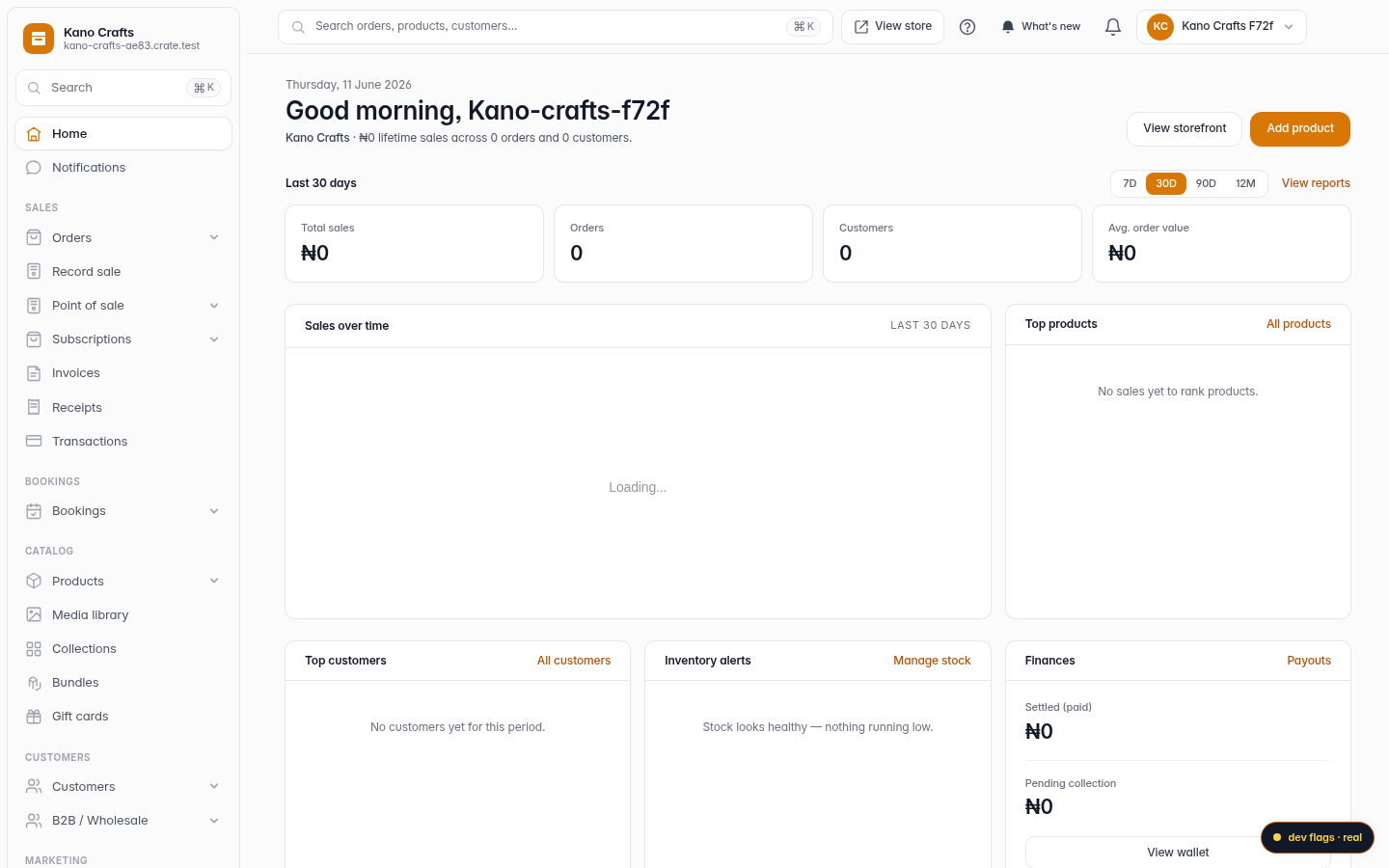
Open Shipping
From your Crate dashboard, open Shipping in the sidebar (under Operations). This is where every delivery rule for your store lives.
Web 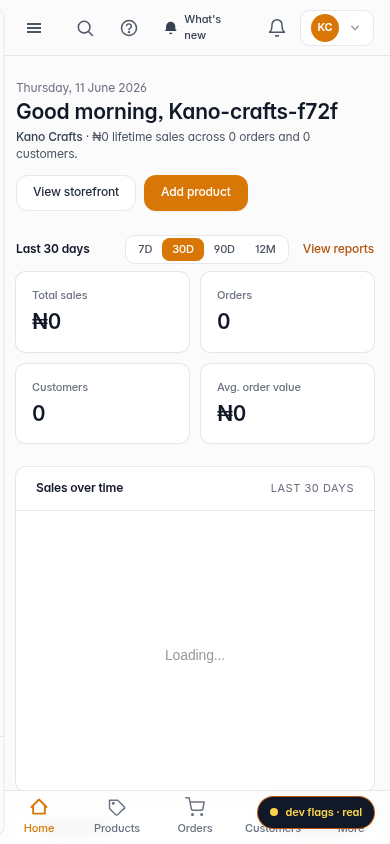
Mobile -
2
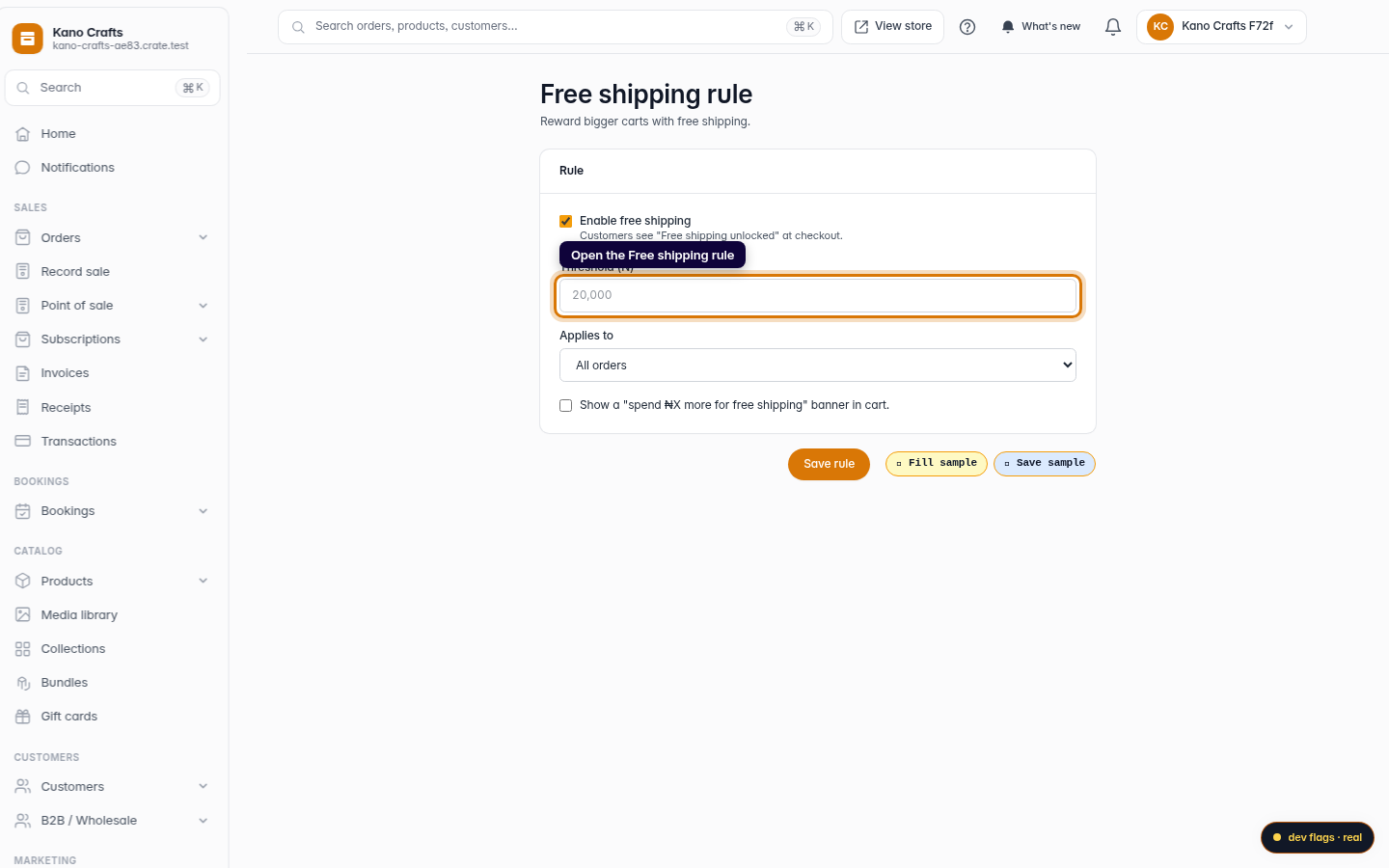
Go to Free shipping
Open the Free shipping rule. Crate gives free shipping its own page so you can tune the threshold without touching your other rates.
Web -
3
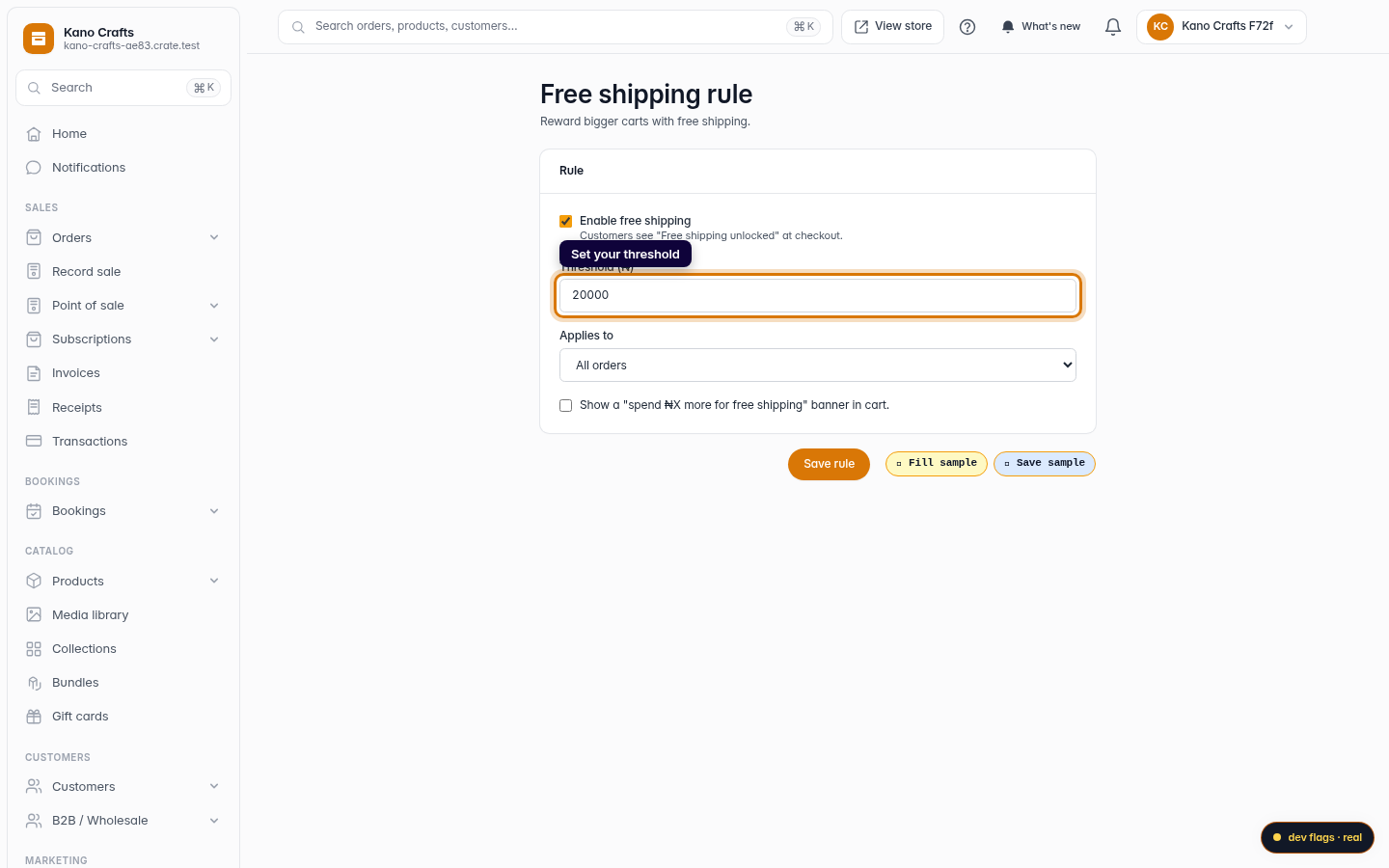
Set your threshold
Tick Enable free shipping and enter the cart Threshold — the amount a customer must spend to unlock it (for example ₦20,000).
Web 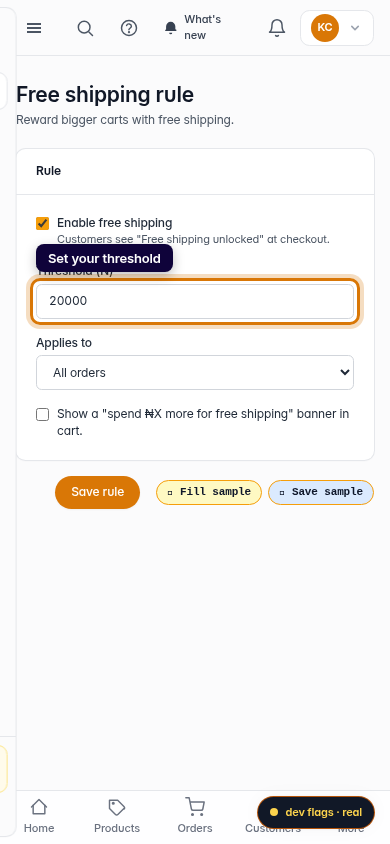
Mobile -
4
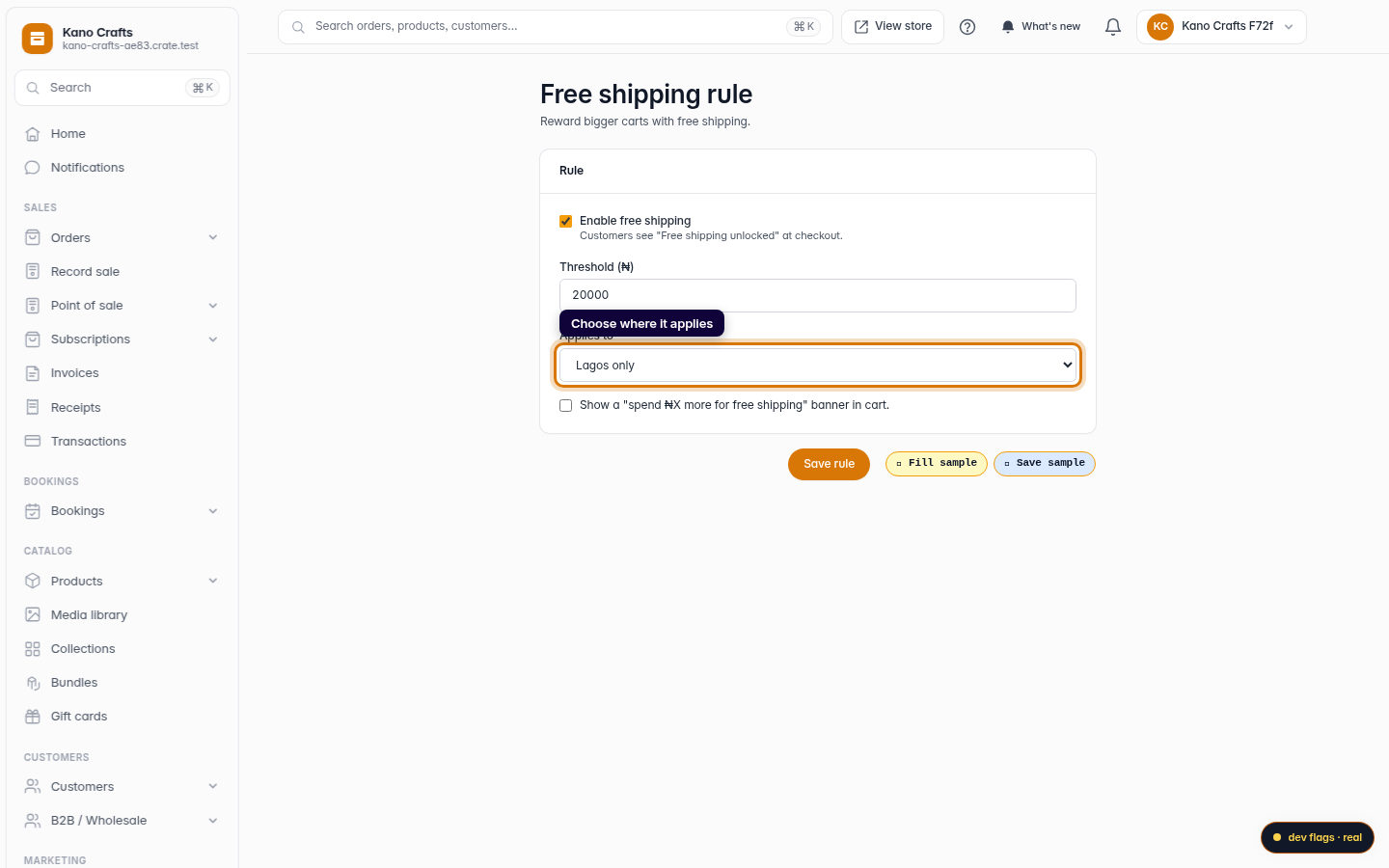
Choose where it applies
Use Applies to to scope the offer — all orders, a single region, or specific shipping zones. Optionally turn on the cart banner that tells shoppers how much more to spend.
Web -
5
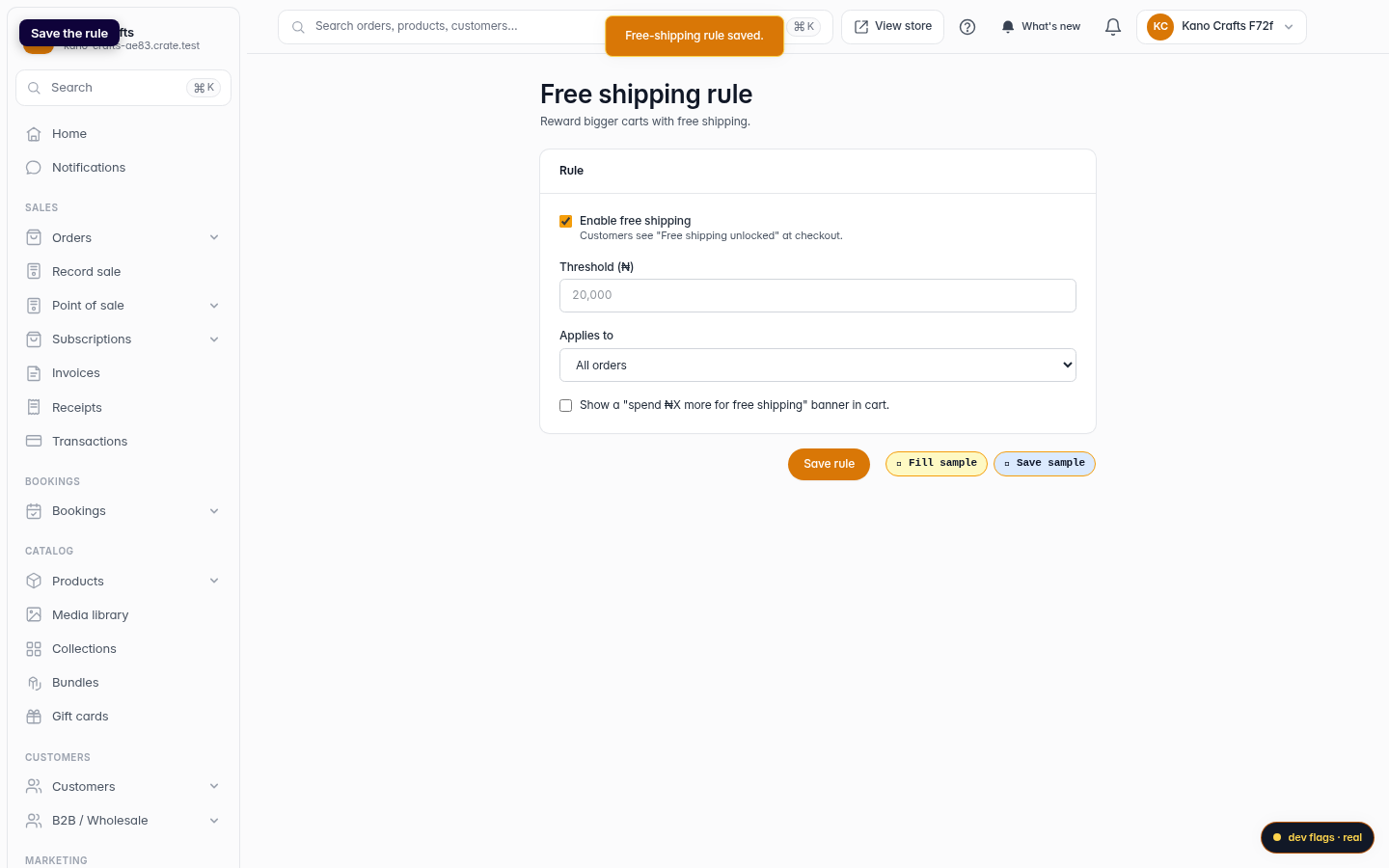
Save the rule
Click Save rule. Crate confirms with Free-shipping rule saved and the offer is live at checkout.
Web