Payment remittance
See how online payments flow from your customer to your bank — track every Paystack, Nomba and direct-bank event on the Transactions page and open any one to see its full breakdown.
When a customer pays on your storefront, the money does not land in your bank instantly. Crate's payment partner receives it first, confirms it, then remits it to your linked account. Naira payments typically settle within a day; international card payments can take a few working days. The Transactions page is where you watch that whole journey.
What each status means
- Successful — the payment was confirmed. Once a payment is successful, its order is marked paid.
- Pending — the payment is in flight and has not yet been remitted to your bank. Bumpa-style "pending settlement" lives here.
- Failed — the charge did not go through; no money moved.
- Refunded — the payment was reversed back to the customer.
Tip: A transaction fee is deducted before the balance is remitted to you. You decide whether your store or the customer absorbs that fee on the transaction charges page.
Reconciling against your orders
Every transaction links back to the order that created it, so you can move from a settled payment to the exact order — and customer — behind it in one click. Use the gateway filter to reconcile each provider (Paystack, Nomba, direct bank) separately when you balance your books.
-
1
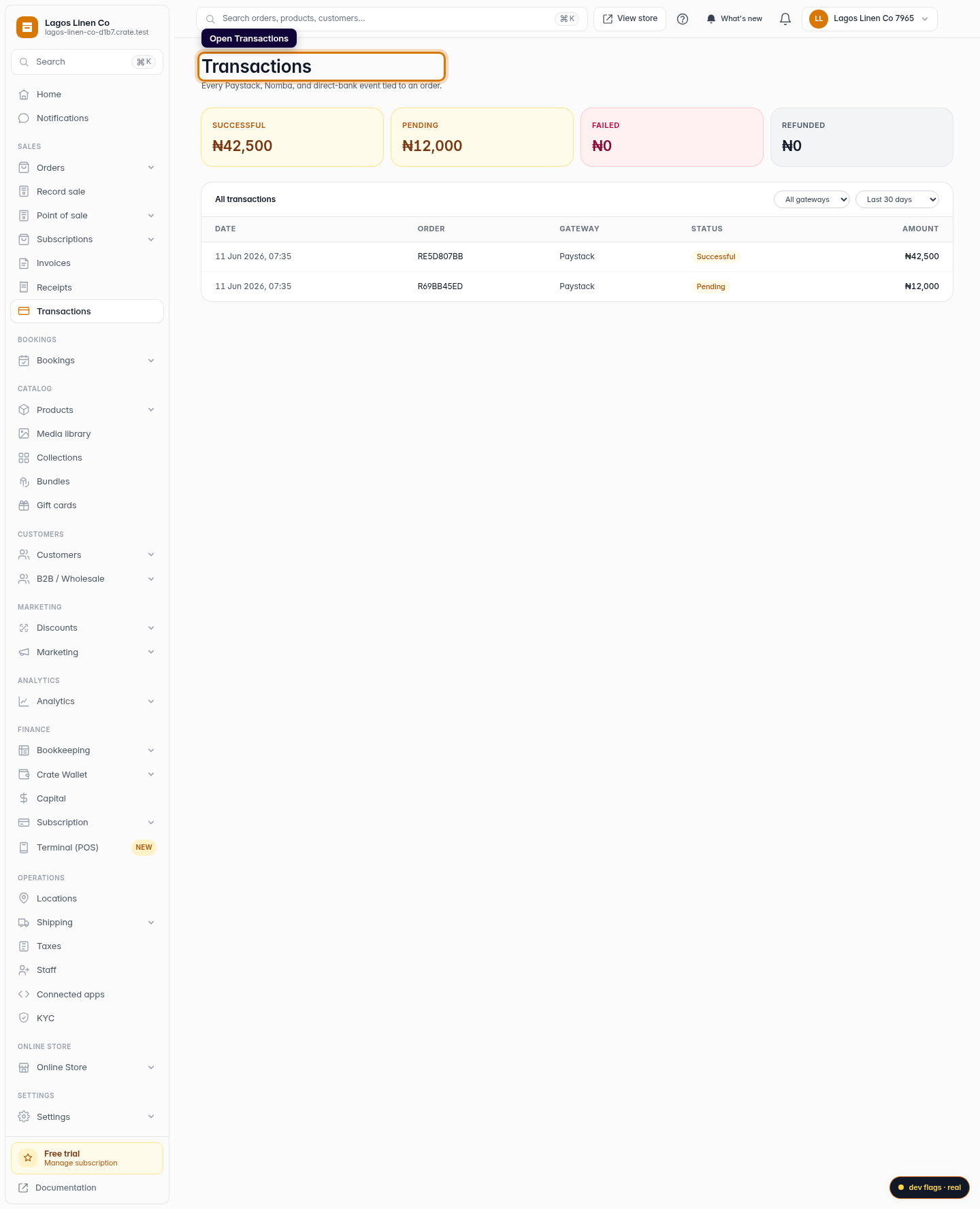
Open Transactions
From your Crate dashboard, open Transactions under Sales. Every gateway event — Paystack, Nomba, direct bank — lands here the moment an order is paid.
Web 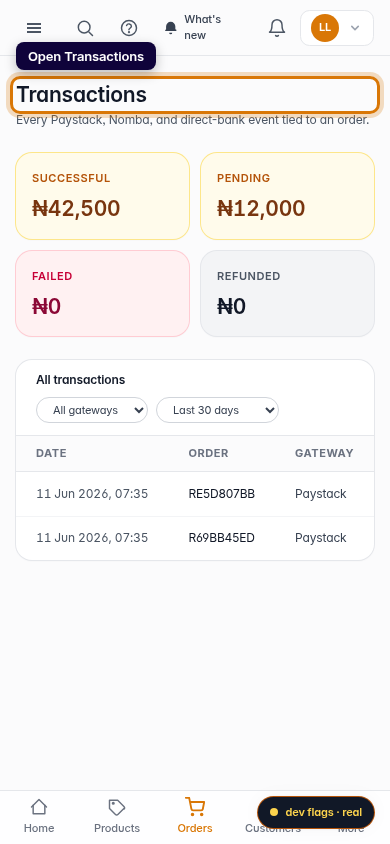
Mobile -
2
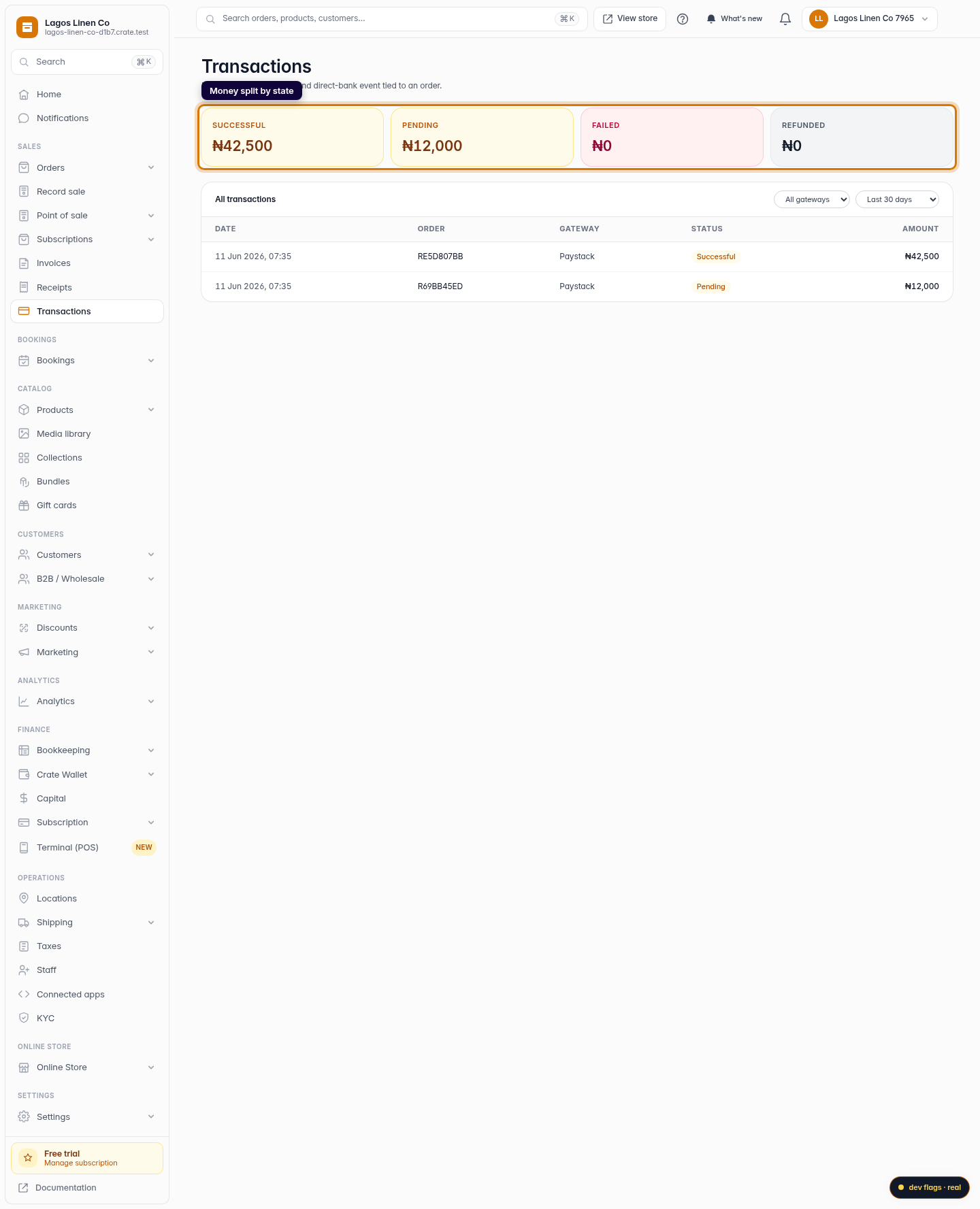
Read the money summary
The four tiles at the top split your money by state — Successful, Pending, Failed and Refunded — so you can see at a glance what has settled and what is still on its way.
Web -
3
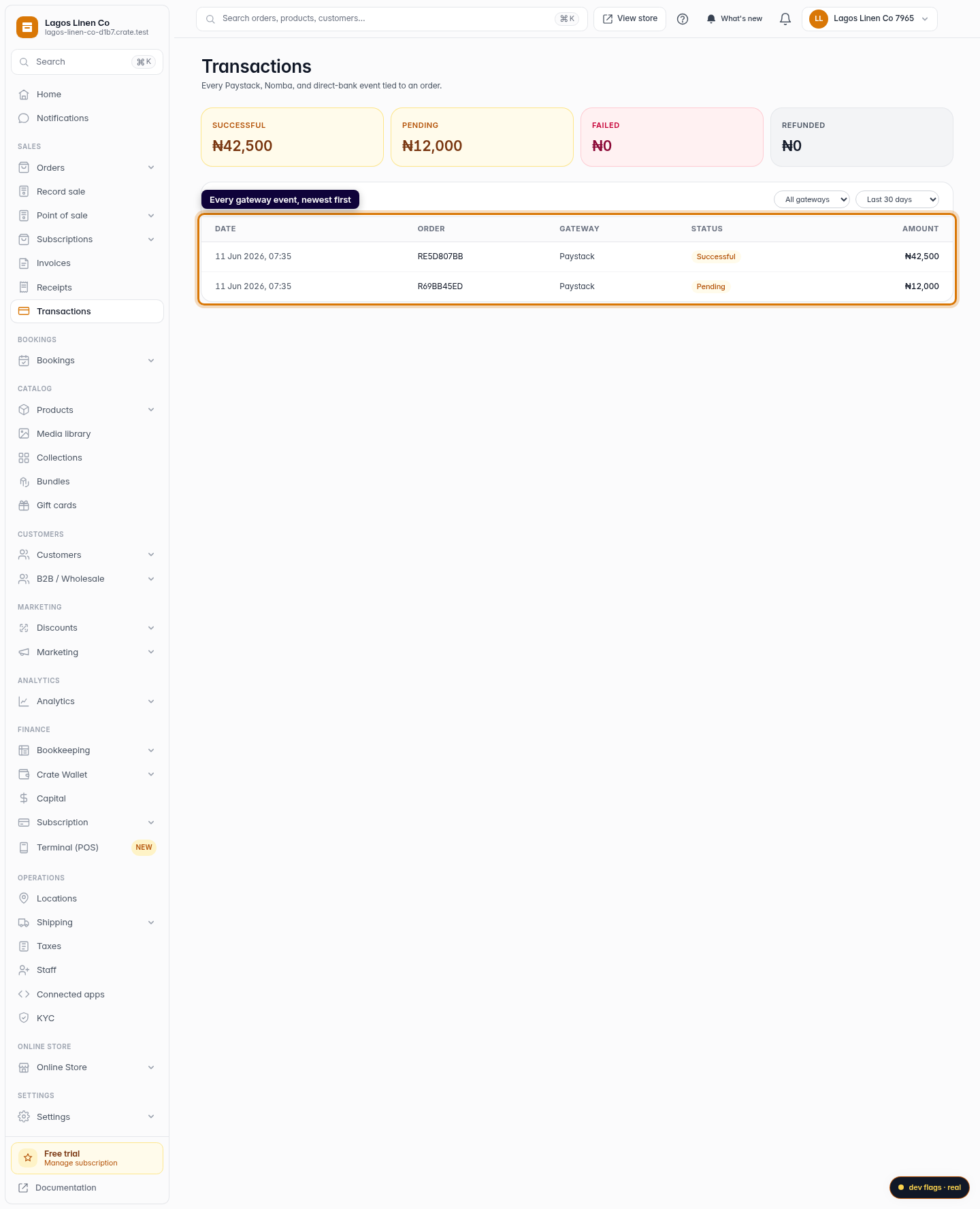
Scan the transactions list
Below the tiles, every payment is listed newest-first with its date, order, gateway, status and amount. Pending rows are payments still awaiting remittance to your bank.
Web -
4
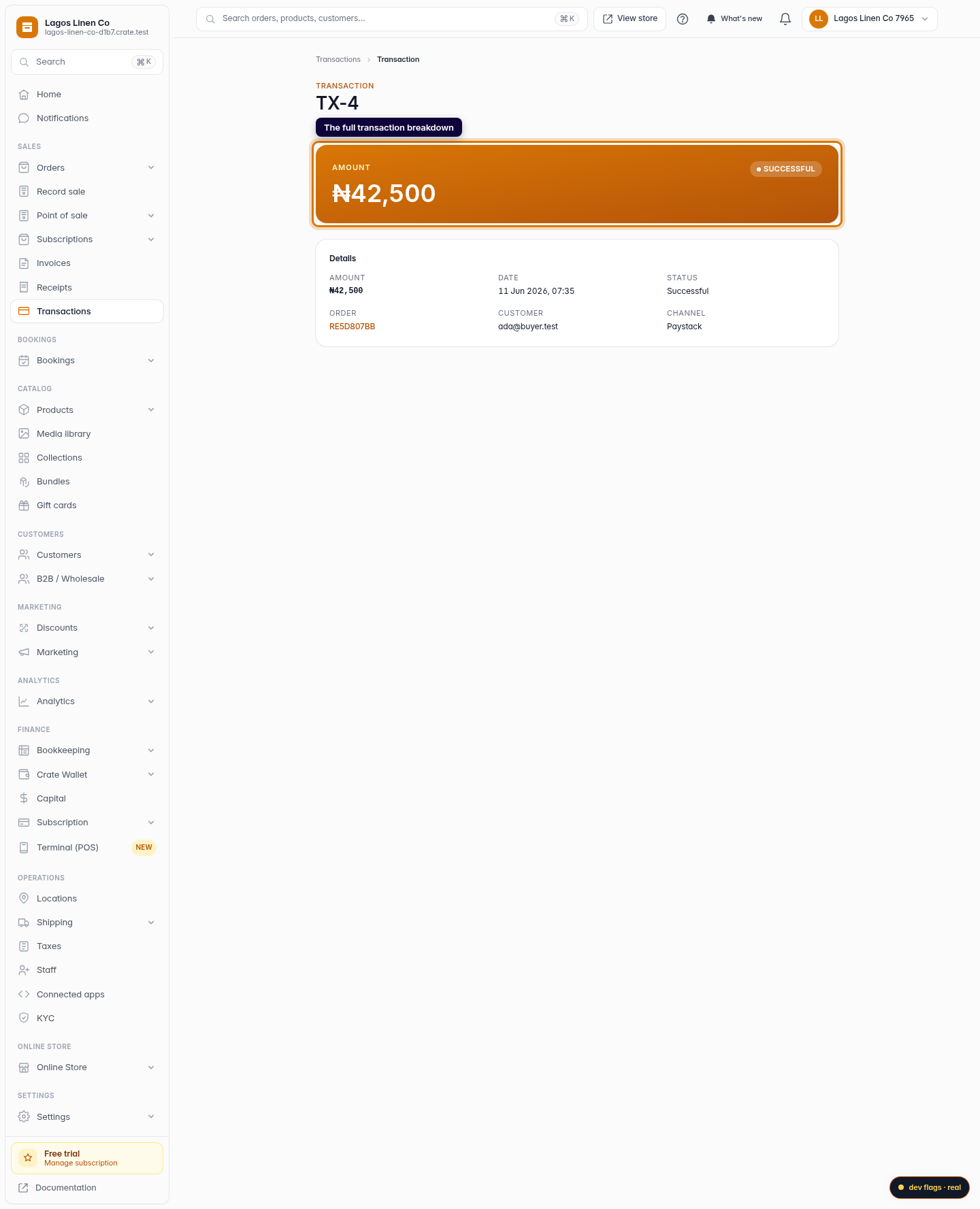
Open a transaction for the detail
Click any row to open the full transaction — the amount, the status, the date, the linked order and the customer it came from.
Web 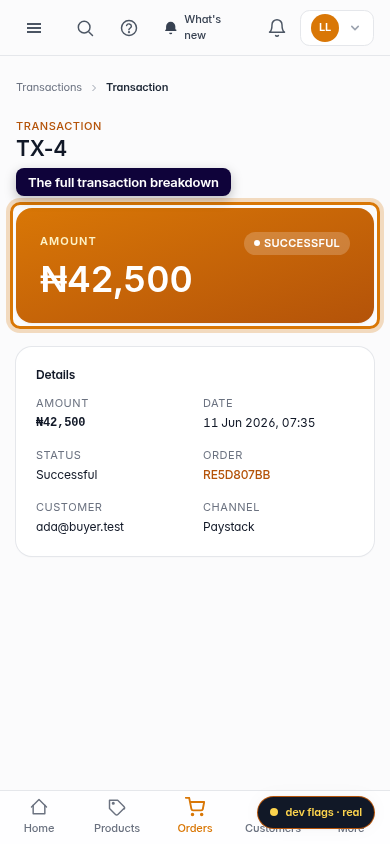
Mobile