Download an invoice or receipt
Generate a printable invoice for an unpaid order or a receipt for a paid one, straight from the order page — ready to print or send to your customer.
Every order carries its own paperwork. Crate generates it for you, so you never have to build an invoice or receipt by hand — open the order and the right document is one click away.
Invoice or receipt?
Crate picks the document that matches the order's status:
- An invoice is for an order that's unpaid or partially paid — it's a request for payment, listing what's owed.
- A receipt is for a paid order — it's proof the money came in.
Both open as a tidy PDF you can print for the parcel or send to the customer over WhatsApp or email from the order's Send receipt / invoice action.
A note on shipping slips
Crate doesn't print a separate shipping slip. Instead, each order has a live Fulfilment panel and a Track shipment page where you pack the order, mark it shipped, and attach a courier tracking number — so the dispatch details stay attached to the order itself rather than on a loose piece of paper. The invoice already lists the delivery address, so it doubles as the packing reference when you box an order up.
-
1
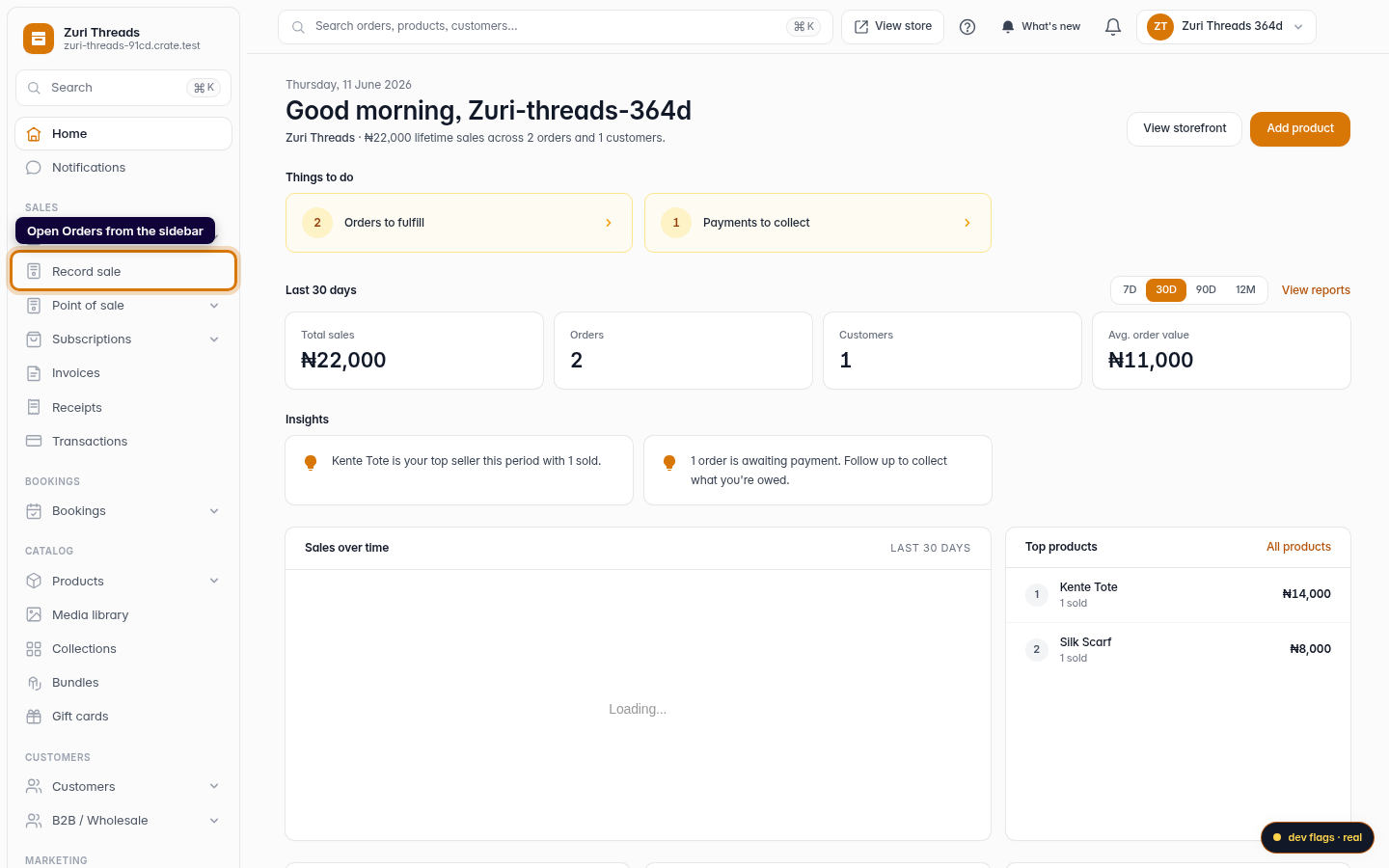
Open Orders
From your dashboard, open Orders in the left sidebar.
Web 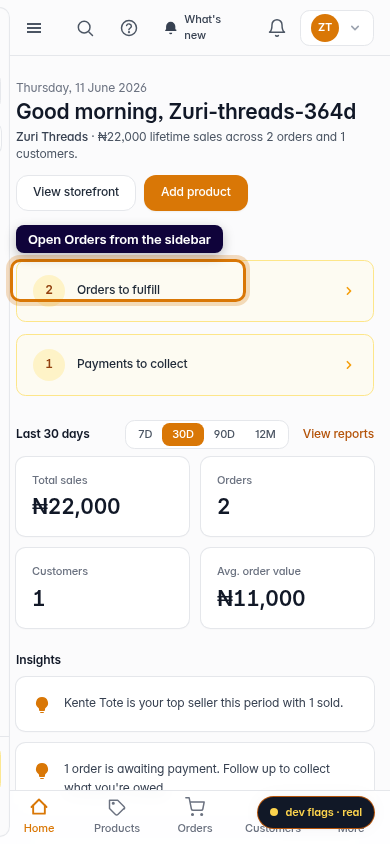
Mobile -
2
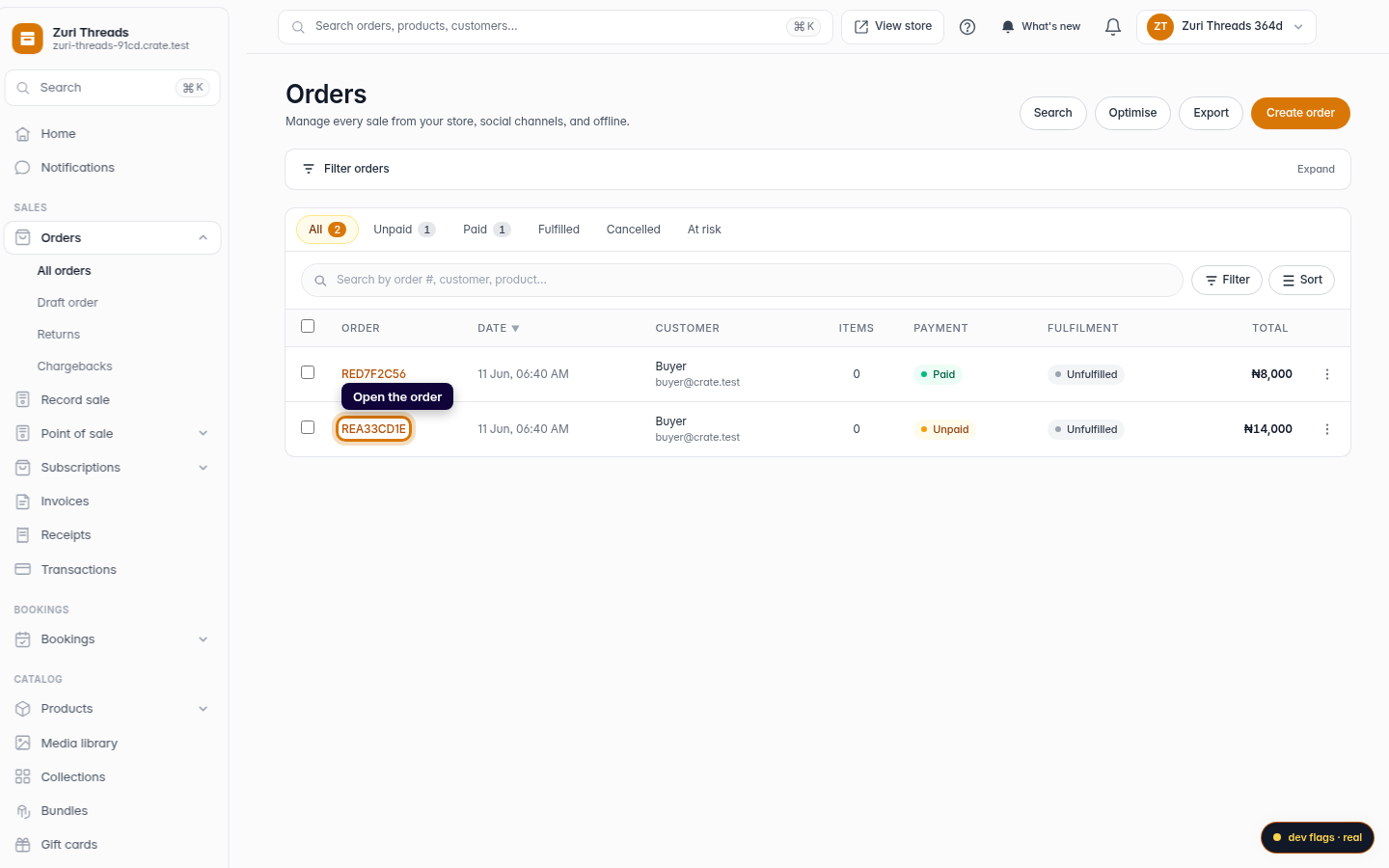
Open the order
Click the order you need a document for. Whether you'll get an invoice or a receipt depends on whether it's been paid.
Web -
3
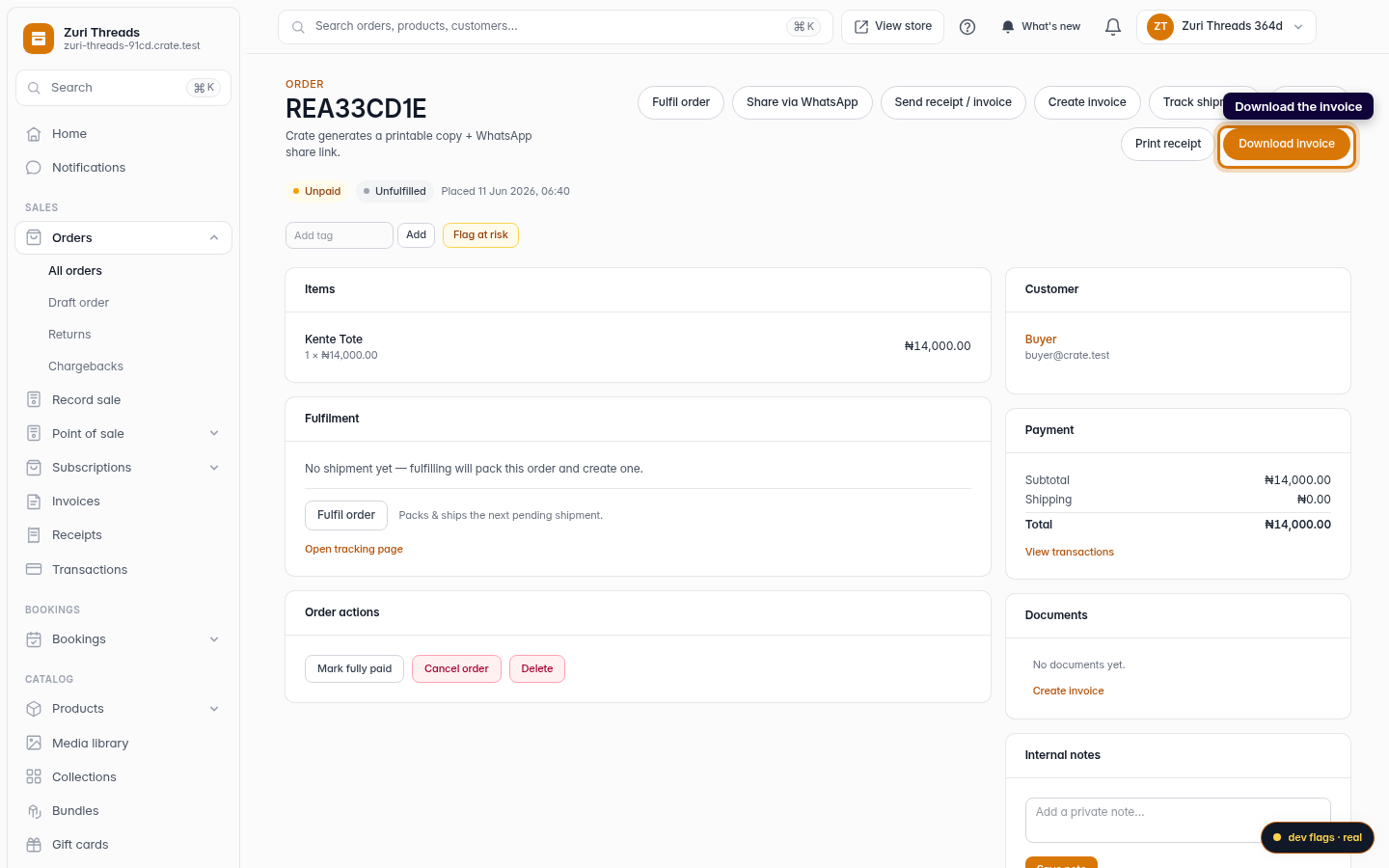
Download the invoice
For an unpaid order, click Download invoice in the top-right. Crate opens a clean, printable PDF with the customer's details and the items they ordered.
Web -
4
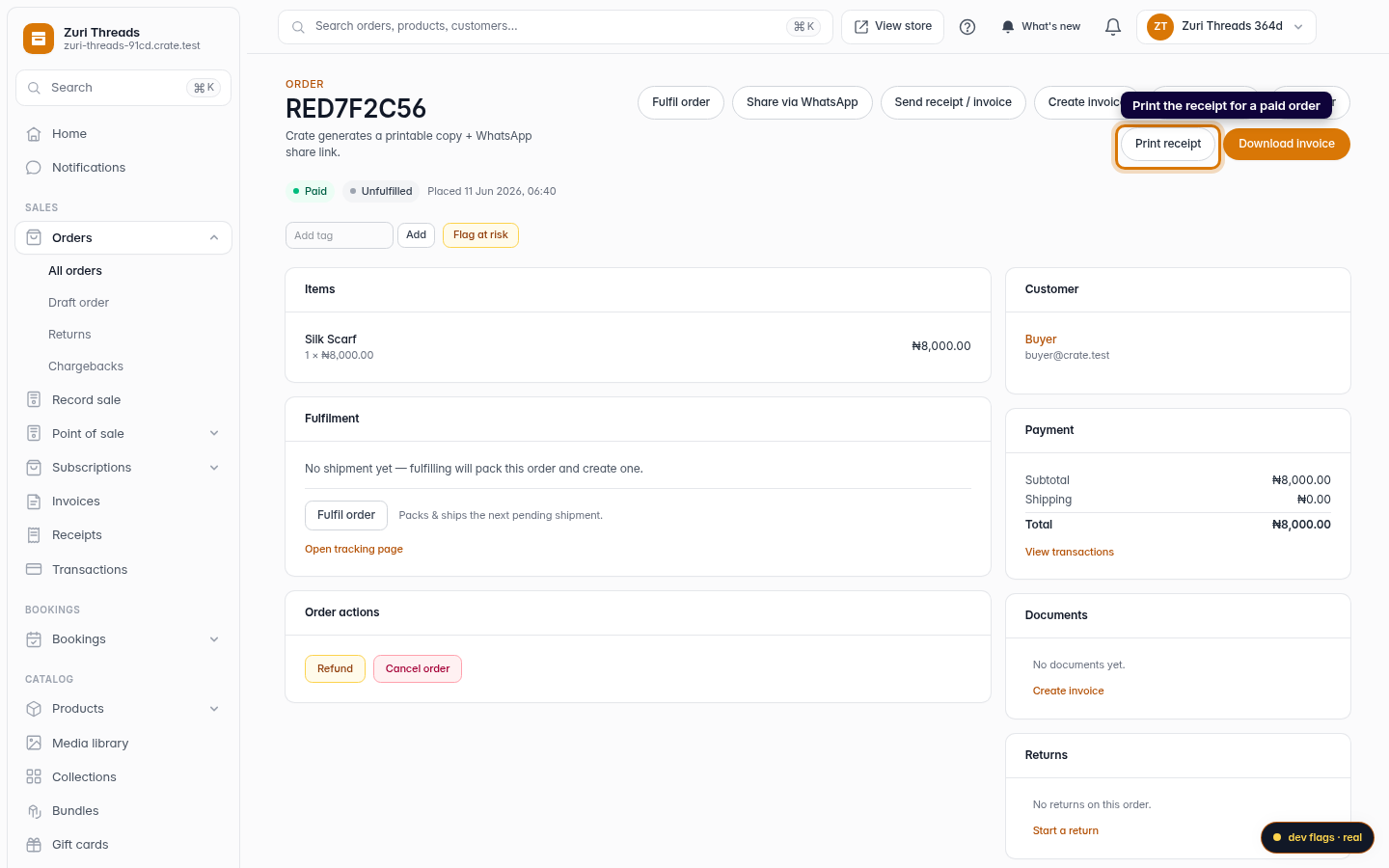
Print the receipt for a paid order
Once an order is paid, click Print receipt instead. The receipt is proof of payment — print it for the parcel or send the PDF straight to your customer.
Web